Your creative playground
One chat.
A whole
creative studio.
Make films. Find your voice. Put yourself in the scene. A world of creative tools, right inside your AI chat.
Same account. Your favourite assistant.
 Claude
 ChatGPT
 Claude Code
 Codex
 Cursor
Start small. One photo, one prompt, one good idea.
Already connected? You're ready. Need setup?
Pick your next “I made that”
What will you create today?
Real examples and a starting prompt for each. Paste it into your connected assistant.
13 ways to make something


Roger · English0:00 / 0:06
Upbeat electronic bed · 0:15
00:12 One good idea can go a long way.
00:28 Find the moment worth sharing.
00:46 Then make something new.
Your long video
01A great hook.
02A complete thought.
03Worth sharing.
Your brand, remembered

Brand theme
Your Character
Approved assets
Workspace
Brand, library and reuse
Save your brand direction, reuse Characters and keep your media together. Pick up the same work from another connected assistant.
Brand colours, logos, references and assets
The easiest place to start
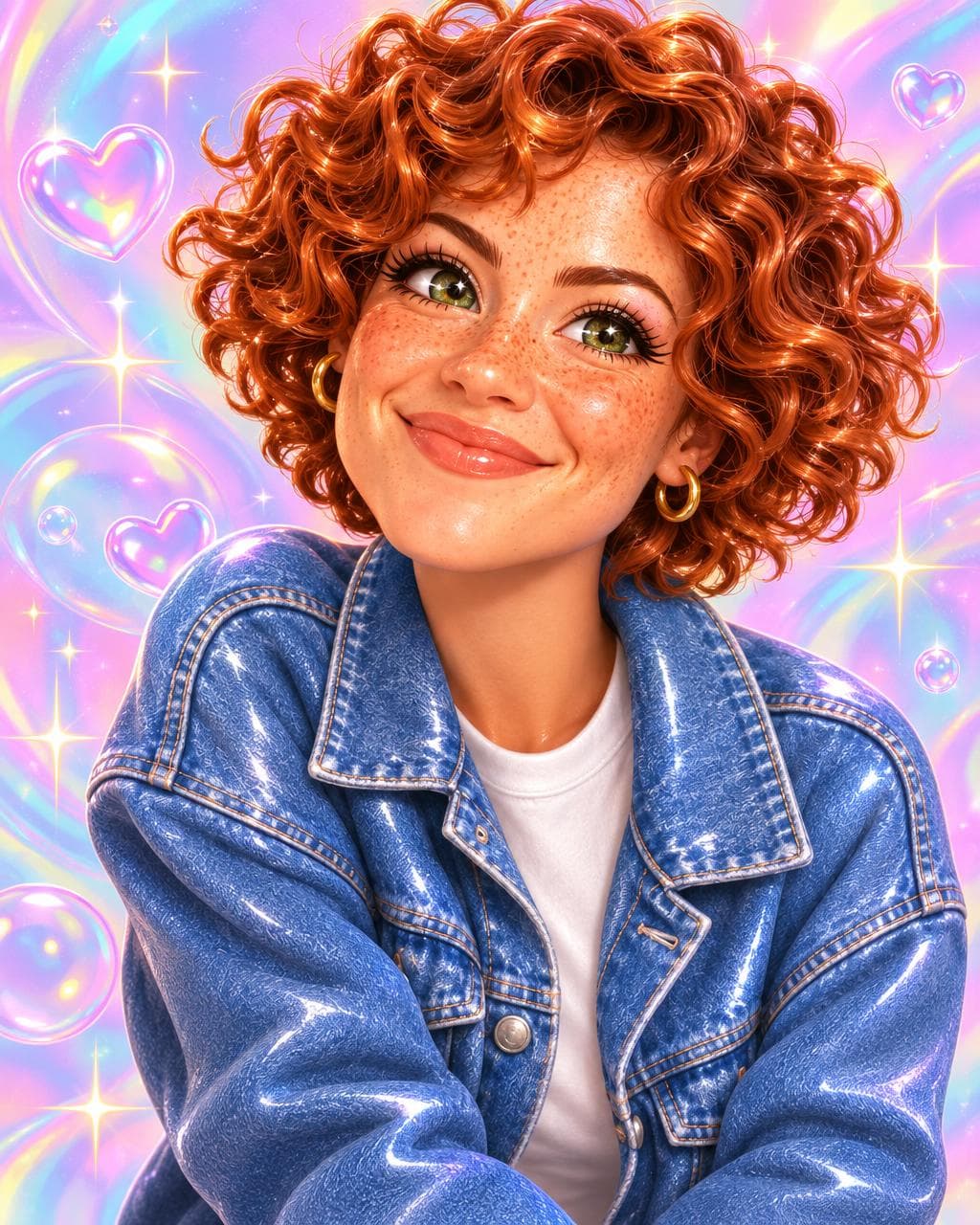
Your photo.
A slightly weirder you.
Attach a selfie, a pet or a product photo and ask your assistant for a new look. One image is a great first step.
Paste this into your connected AI chat
“Use Typeshoot to turn my photo into a playful Y2K cartoon character. Keep the face recognisable. Ask for my photo, start with one image and show me the credit cost before generating.”
 Open in ChatGPT
A very good toolbox
Great models.
One place to use them.
You don't need to know every model. Tell your assistant what matters: style, references, language, speed or budget.
Video
Choose for motion, realism, references and budget.
- Gemini Omni Flash
- Kling 4.0 Omni
- Seedance 2.5
- MiniMax H3 Max
- FLUX 3
- Grok Imagine 1.5
- Wan 3.0
- LTX 2.3
- HeyGen Avatar 4
 Gemini Omni Flash
 Kling 4.0 Omni
 Seedance 2.5
 MiniMax H3 Max
 FLUX 3
 Grok Imagine 1.5
 Wan 3.0
 LTX 2.3
Images
Generate, edit, get the text right or work from a reference.
- Nano Banana 2.1
- GPT Image 2.6
- Seedream 5 Pro
- Nano Banana Pro
- FLUX 2 Pro
- Recraft V3
- Grok Imagine Pro
 GPT Image 2.6
 Recraft V3
Voices
Match the language, accent and performance to your script.
- ElevenLabs v4
- MiniMax Speech 2.8
- xAI voices
 ElevenLabs v4
Music and sound
Background beds, original songs and sound effects.
- Lyria 3.5
- Mureka V9.5
- ElevenLabs Music
- ElevenLabs SFX
- MiniMax Music 3
Model options and prices change. Ask Typeshoot for the current choices and an estimate before generating. See pricing
Better briefs, better results
Make your first try a good one.
01 / BRING A REFERENCE
Show what you mean.
A photo, a product, a script or a clear visual reference gives your assistant something specific to work from.
02 / START WITH ONE
Small first. Spectacular next.
Approve one image, a short clip or a voice sample before making a whole campaign. Ask for the cost along the way.
03 / BE SPECIFIC
“Warmer light” beats “better”.
Say what to keep and what to change. Reuse the strongest result as the reference for the next one.
Enough browsing. Make a little magic.
Pick an idea, open your assistant and bring it to life. New here? Connect first, then take your 100 free credits for a spin.
13 ways to start · $10 = 1,000 credits · Pay as you go