Key takeaways
- A cut-out and three finished images from one starting photo, 78 credits in total.
- Passing the original photo into every edit kept the pot’s shape and glaze pattern the same in each shot.
- Use the model that renders text cleanly (GPT Image 2.6) for anything with words on it, like the listing callouts.
- Check every generated claim: the listing image promised a saucer the product doesn’t show.
The kit, made in Claude
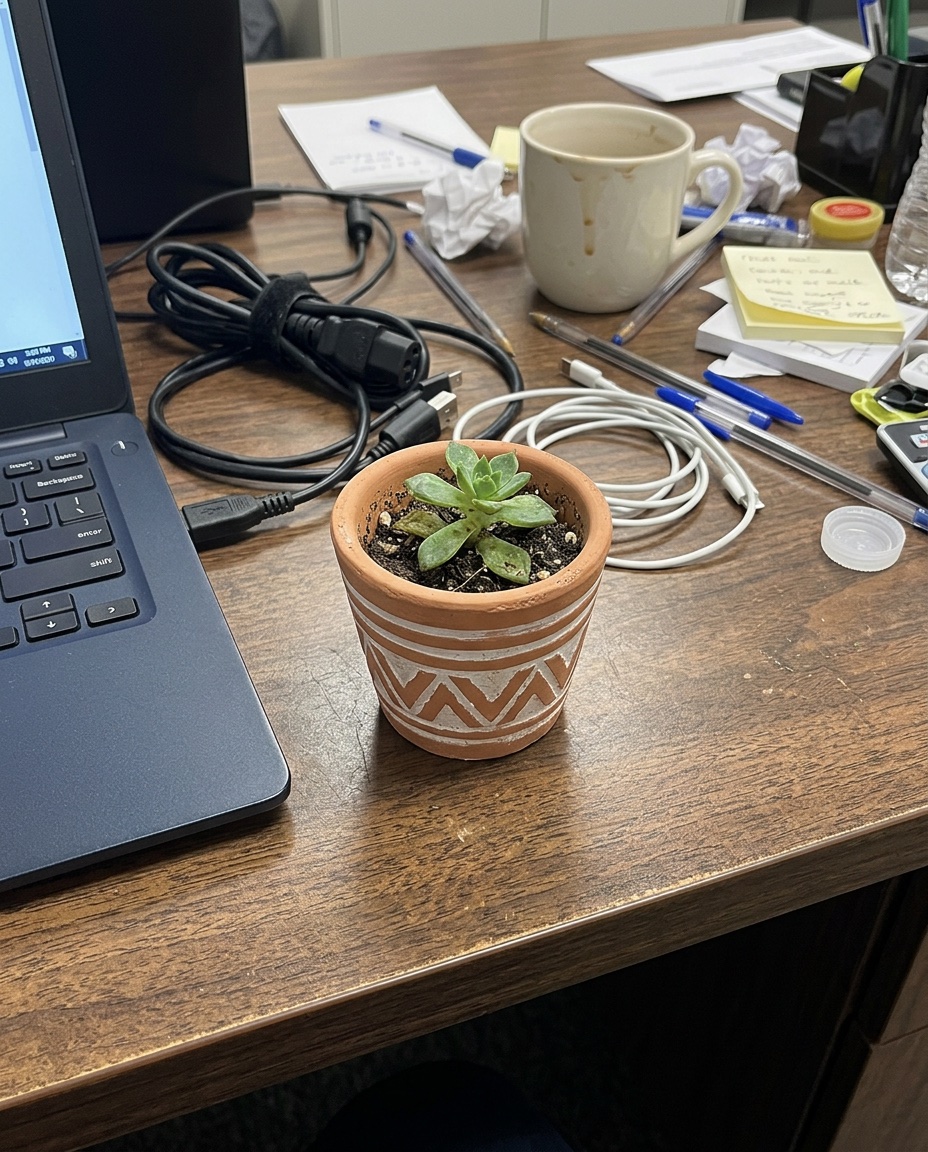
An ordinary amateur phone photo of a small matte terracotta plant pot with a white geometric pattern, holding a little succulent, standing on a cluttered desk next to a laptop and cables, flat overhead office light, slightly off-centre, unremarkable
Nano Banana 2.1 · 16 credits
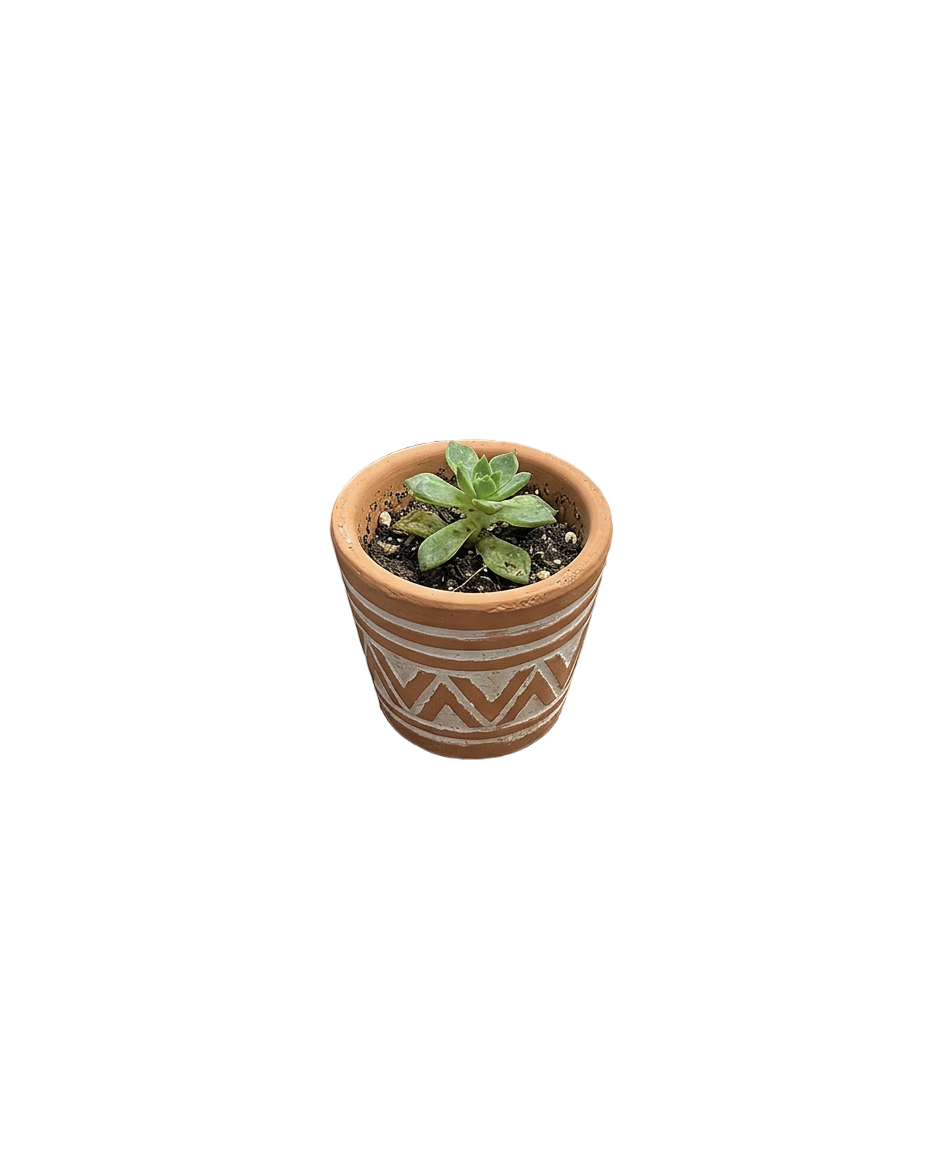
Remove the background from this photo (subject: product).
Remove background (product) · 2 credits
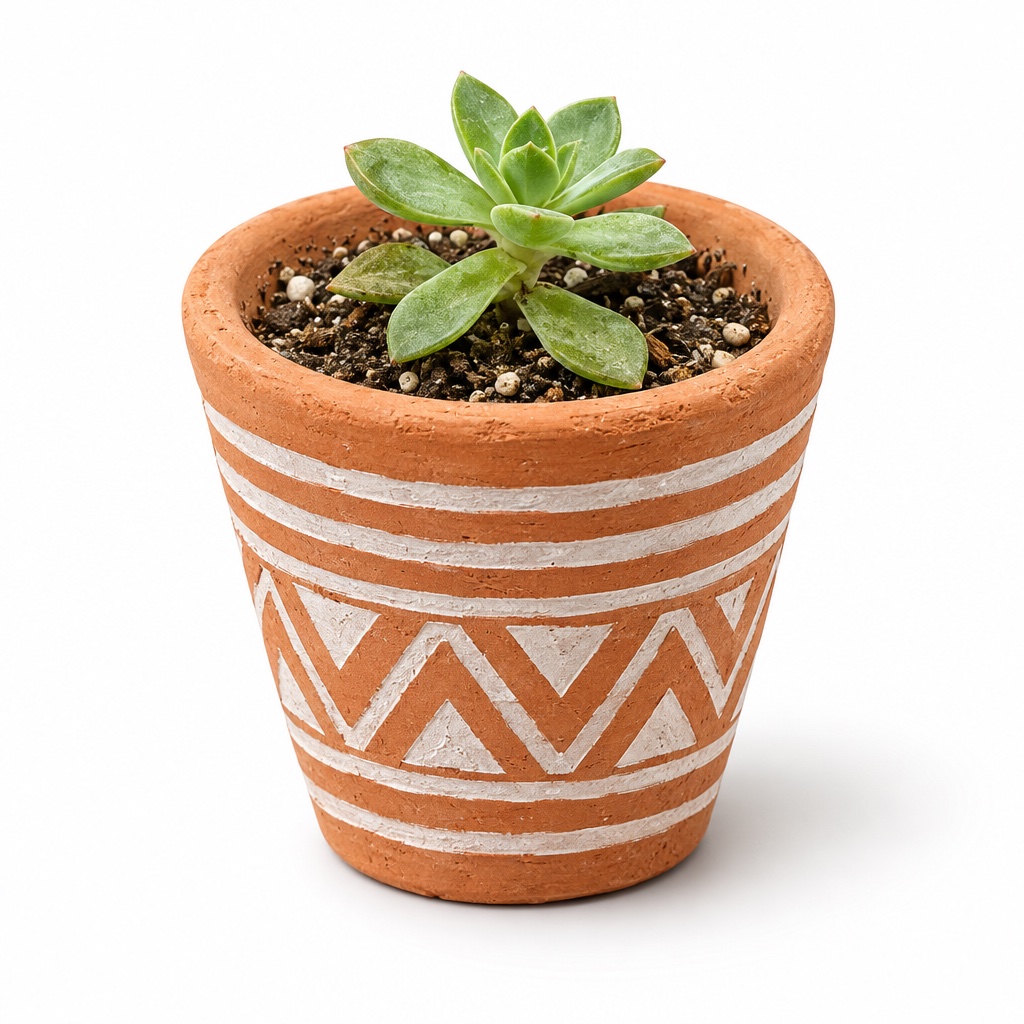
Product catalog photo: place this exact terracotta pot with its white geometric pattern and the succulent alone on a plain white studio background with a soft shadow, front view, soft natural light, high detail, no text [phone photo attached]
GPT Image 2.6 Flare · 20 credits
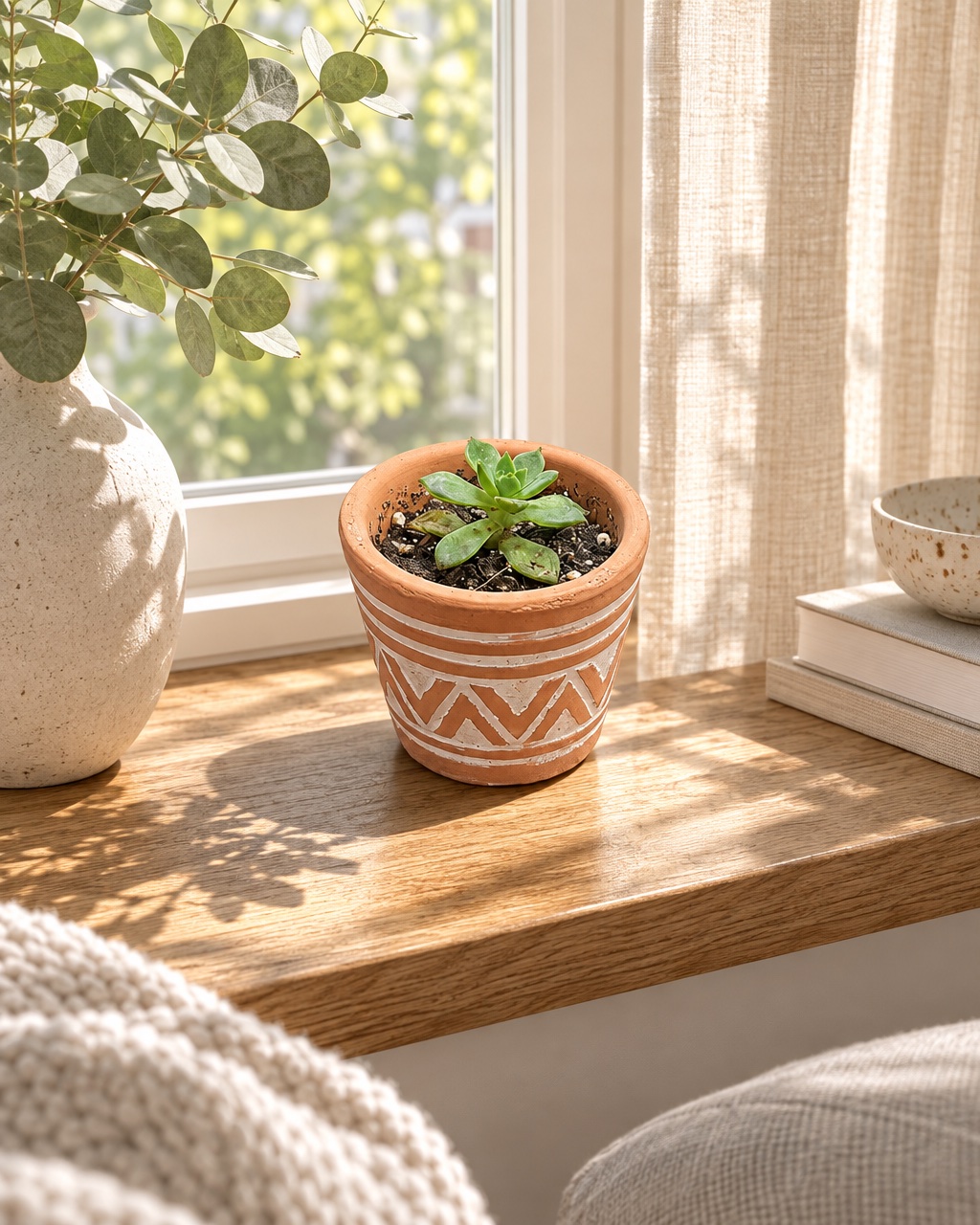
This exact terracotta pot with its white geometric pattern and succulent on a sunlit oak windowsill in a calm Scandinavian living room, linen curtains, morning light, lifestyle product photography, high detail, no text [phone photo attached]
GPT Image 2.6 Flare · 20 credits
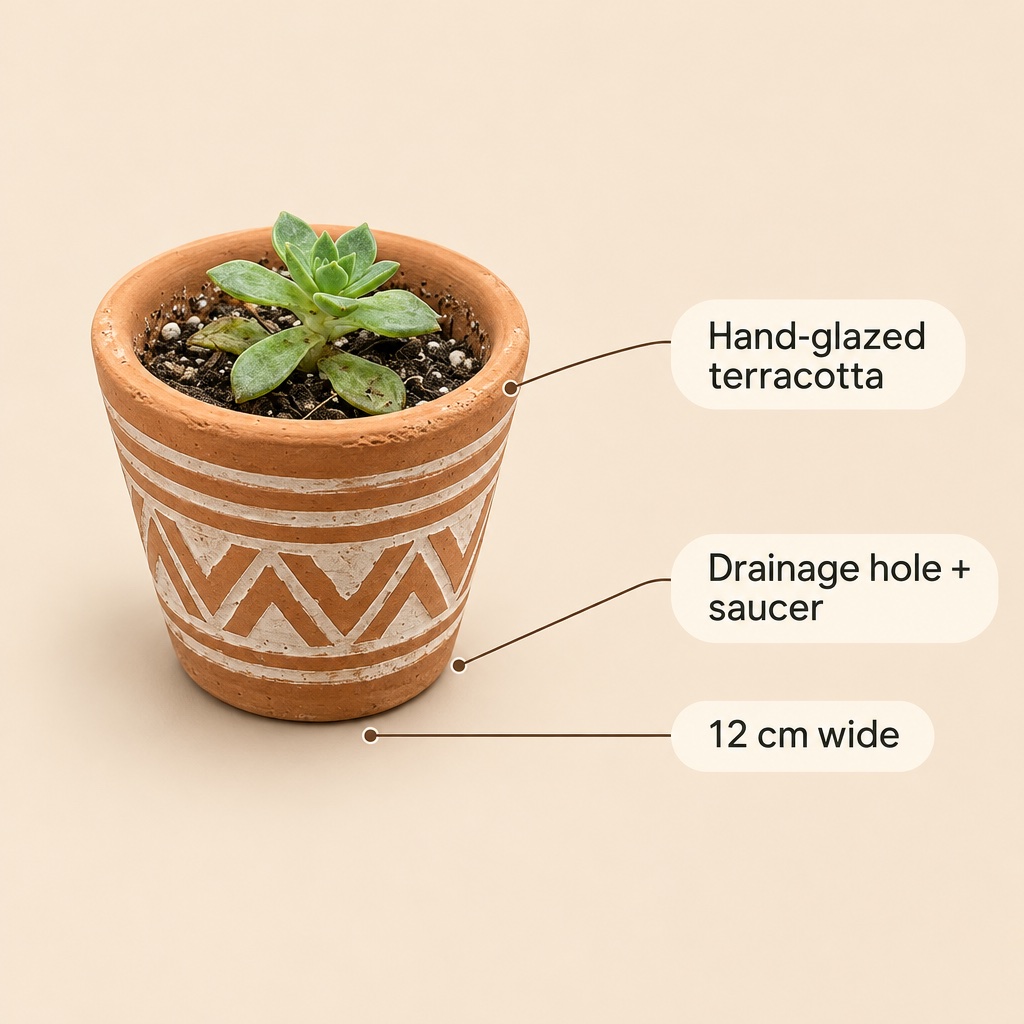
Marketplace listing infographic of this exact terracotta pot: the pot on the left on a soft beige background, three short callouts on the right with thin lines pointing to it: "Hand-glazed terracotta", "Drainage hole + saucer", "12 cm wide". Clean sans-serif type, plenty of space, no other text [phone photo attached]
GPT Image 2.6 Flare · 20 credits
Total: 78 credits for 5 outputs.
How to do it
- Start from a clear photo of the product, even a casual one.
- Cut it out, so you have a transparent PNG for any layout.
- Make the packshot as an edit of the photo, so the product stays exact.
- Make lifestyle scenes the same way, one scene per request.
- Make text-heavy images (listings, infographics) on GPT Image 2.6, then check every word and claim.
What to ask Claude
PromptHere’s my product photo [attach]. Cut it out, then make a white-background packshot. Keep the shape and pattern exactly the same.
PromptNow put the same pot on a sunny windowsill in a calm living room, 4:5 for Instagram.
PromptMake a square listing image with three short callouts: “Hand-glazed terracotta”, “Drainage hole”, “12 cm wide”.
What it cost
| Piece | Model or tool | Credits |
|---|---|---|
| Stand-in phone photo | Nano Banana 2.1 | 16 |
| Cut-out | Remove background | 2 |
| Packshot | GPT Image 2.6 Flare | 20 |
| Lifestyle shot | GPT Image 2.6 Flare | 20 |
| Listing infographic | GPT Image 2.6 Flare | 20 |
| Total | 78 |
What we’d do differently
- For this demo the “phone photo” was generated too, standing in for your own snap. With a real product, start from your photo and skip that step.
- The cut-out kept a stray bit of white cable from the desk. With a busy background, try the general setting too, or crop closer first.
- The listing image says “Drainage hole + saucer”, but no saucer is shown. AI writes what you ask for: only list features you can see or ship.
More on this: AI product photography and remove background.
Frequently asked questions
Can Claude make product photos from my own photo?
Yes, with Typeshoot connected. Attach the photo and ask for edits; passing the original into each request keeps the product the same across every shot.
How much does an AI product photo set cost?
This set cost 78 credits ($0.78): 2 for the cut-out, 20 for each GPT Image 2.6 edit, and 16 for the stand-in phone photo.
Are the photos good enough for a marketplace?
For many listings, yes. Check fine details, labels and every claim in text before you publish, and follow the marketplace’s rules on images.
Keep going
Make this in Claude
Typeshoot adds image, video, voice and editing tools to Claude, ChatGPT and other assistants. 100 free credits to start, no card needed.
Get 100 free credits