Attach an image and ask for the background to go. Typeshoot returns a transparent PNG and saves it to your library; the original is never changed.
Pick what to keep: a product, a portrait, or fine hair and fur. The three below were made from images in our examples library, each for 2 credits. On a busy scene (the mug on a breakfast table), the general setting gave a cleaner cut-out than the product setting.
Made with Typeshoot
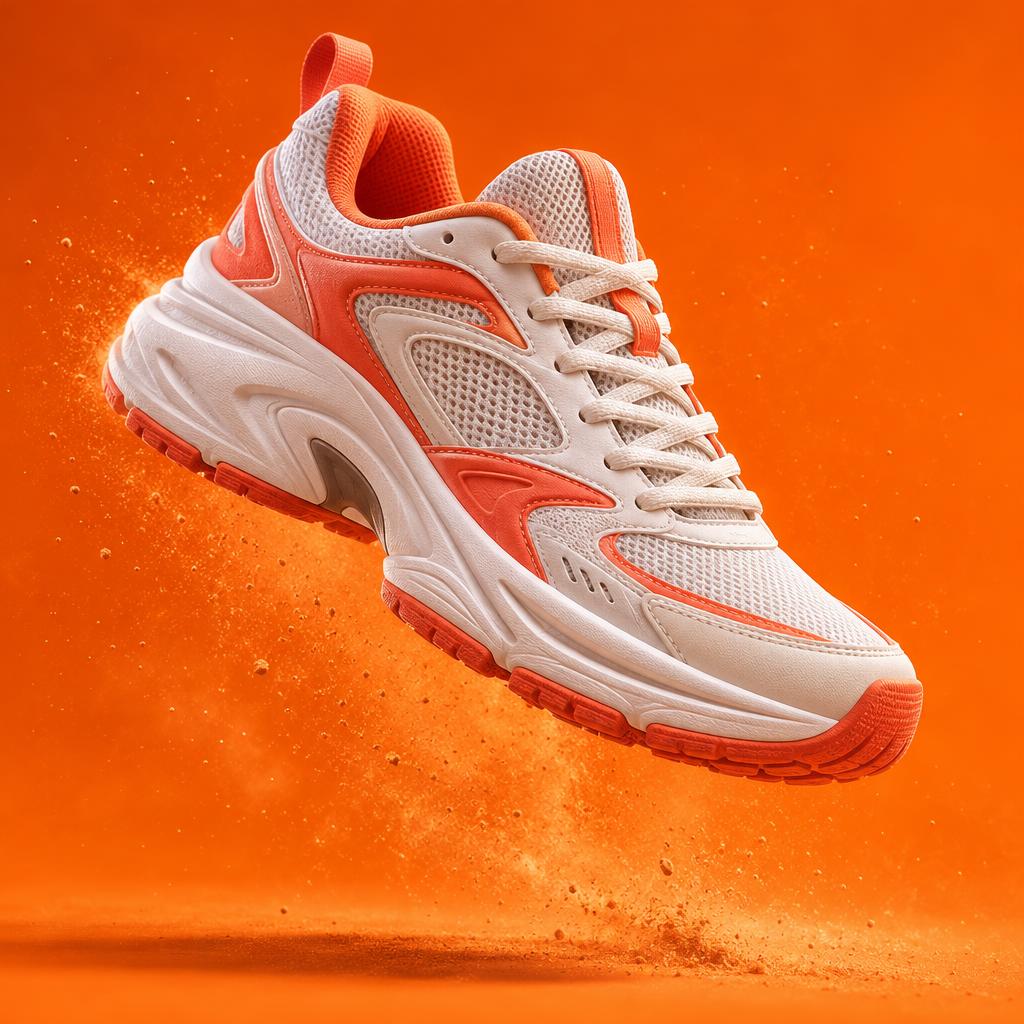
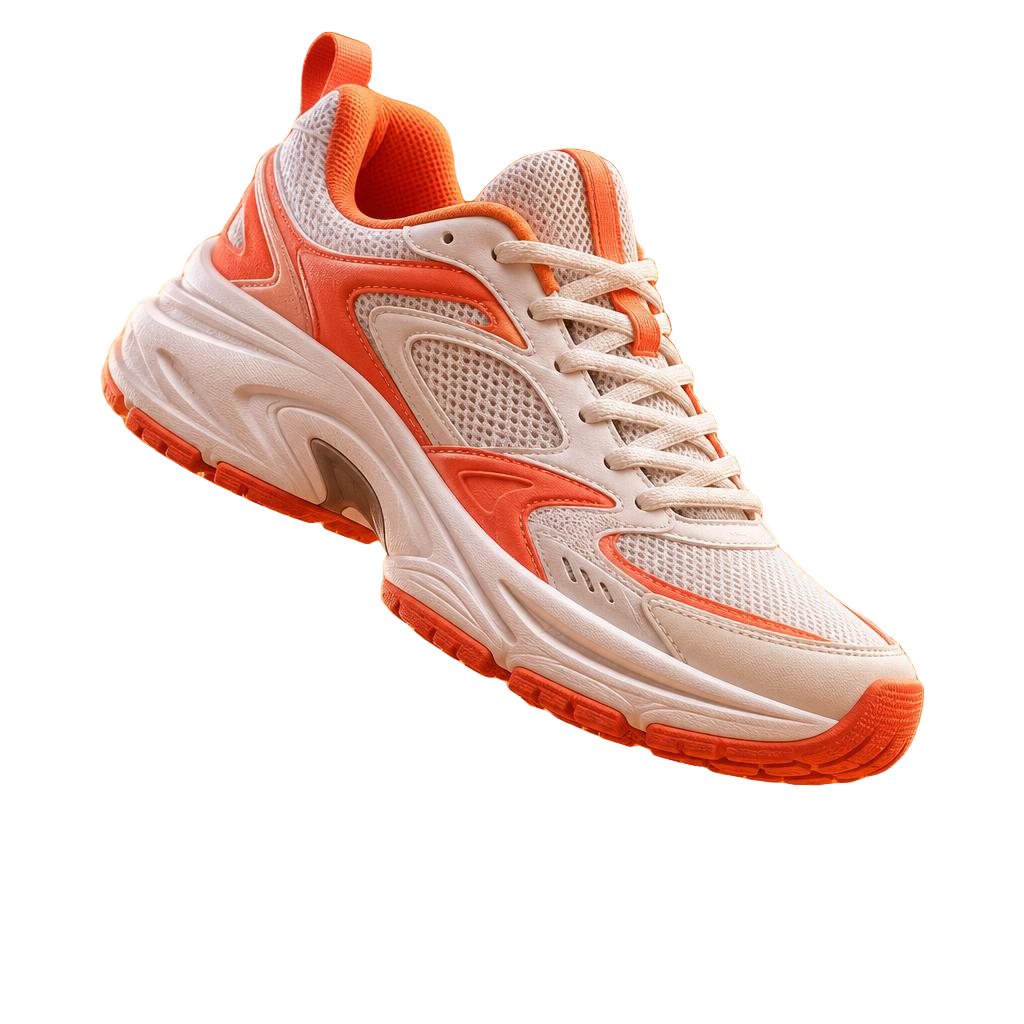
Remove the background from this image (subject: product).
Remove background · before and after · 2 credits
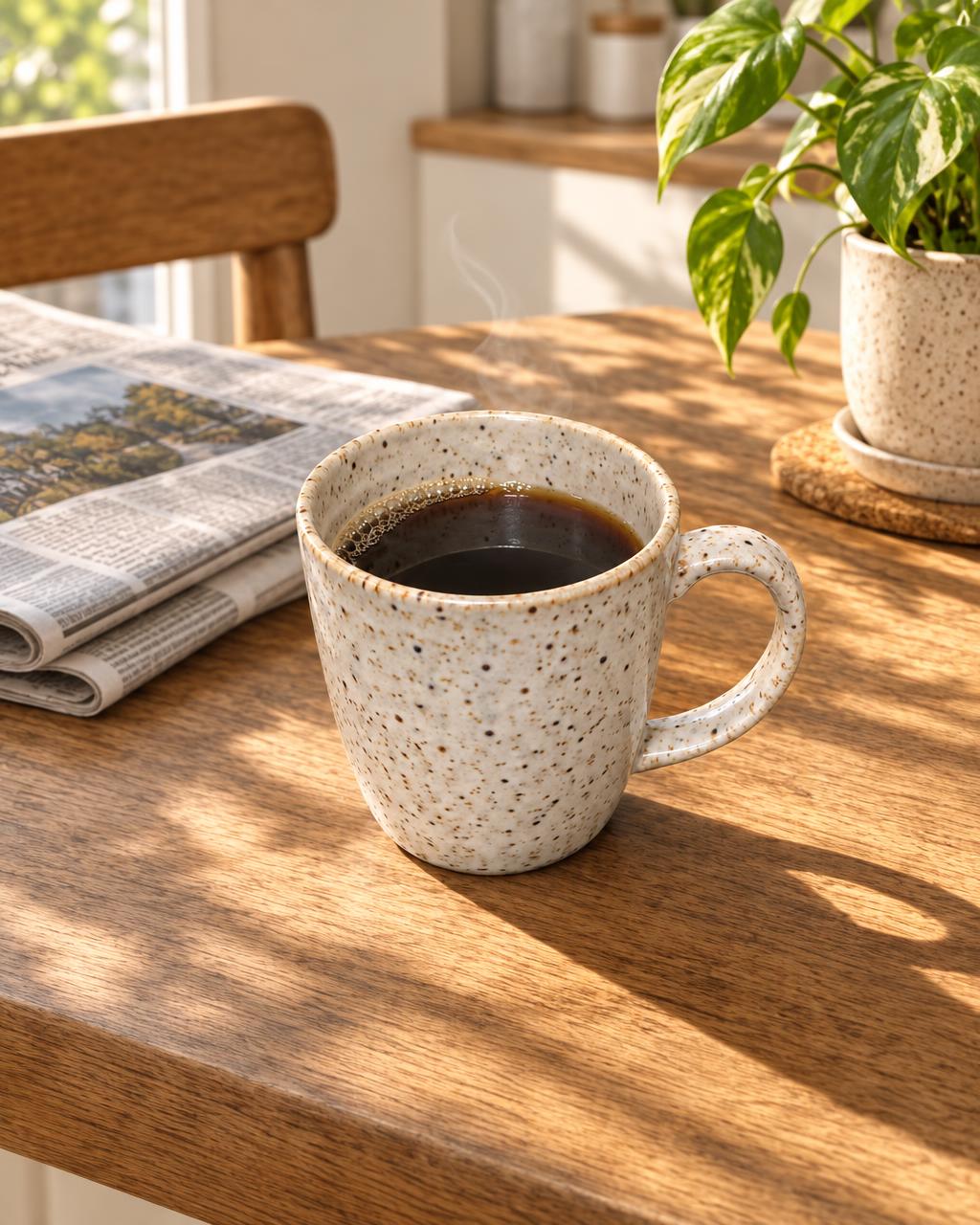
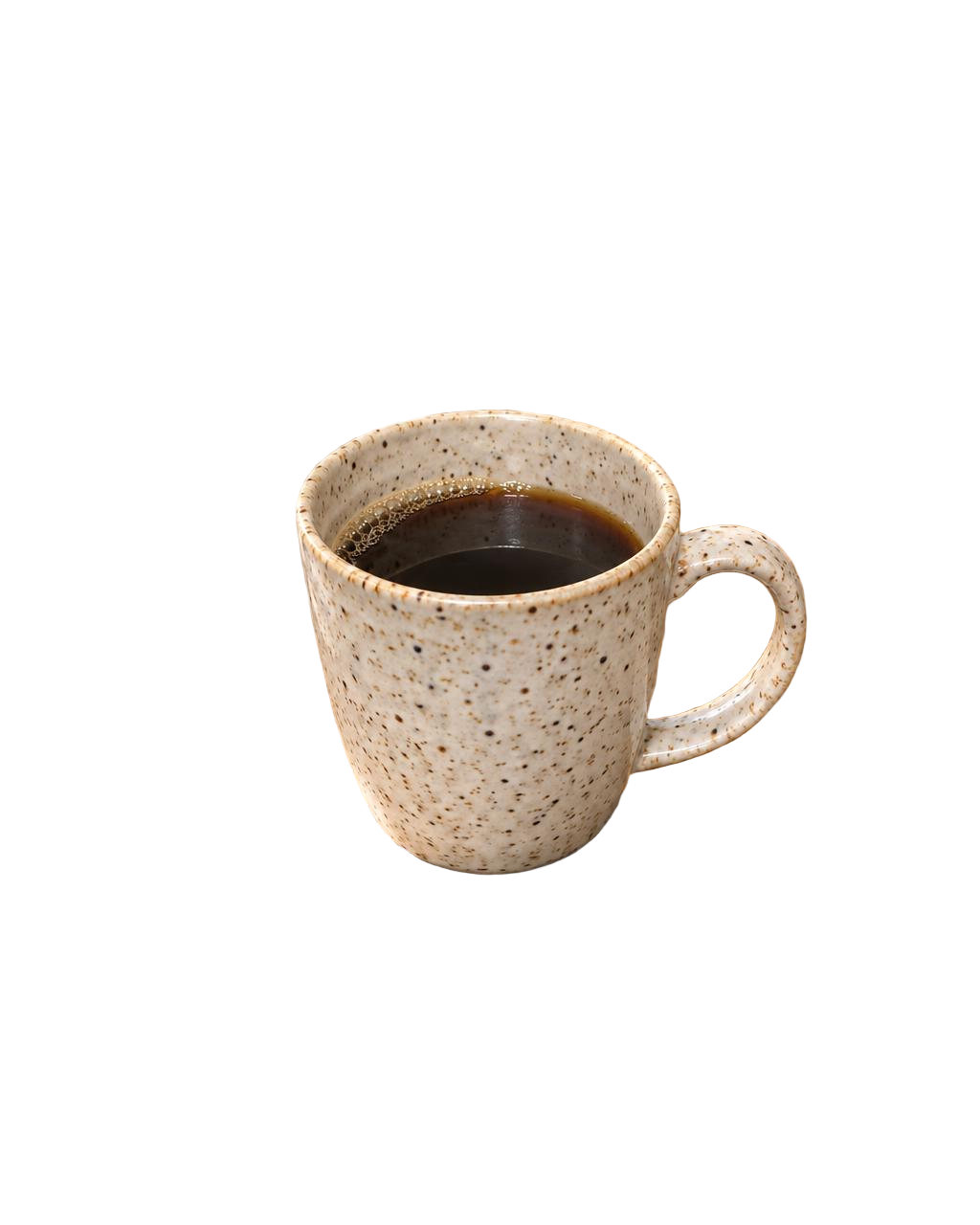
Remove the background from this image (subject: general).
Remove background · before and after · 2 credits

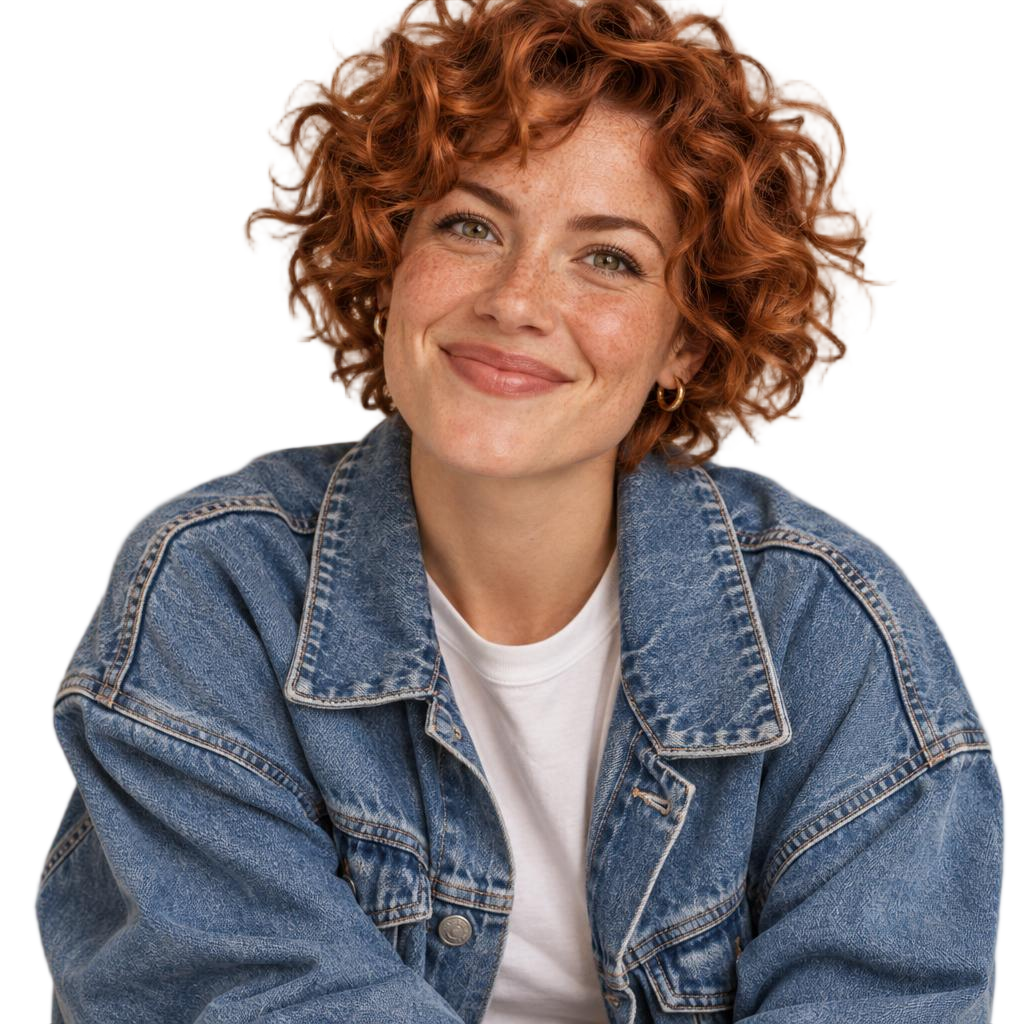
Remove the background from this image (subject: hair).
Remove background · before and after · 2 credits
More examples, each with its exact prompt
How it works
- Attach the image, or point to one in your library.
- Say what to keep: “the product”, “the person and their hair”.
- Get a transparent PNG back in the chat, saved to your library.
- Ask for the next step: a new background, a packshot, an ad.
Try these prompts
PromptRemove the background from these 12 product photos and save them as transparent PNGs.
PromptCut me out of this photo, keep my hair, then put me on a plain warm grey background, 1:1.
Price
| Tool | Credits | Notes |
|---|---|---|
| Remove image background | 2 credits | Per image. |
$10 = 1,000 credits. Your assistant shows the price before anything runs, and failed jobs are refunded automatically.
When to use it
- Product catalogs, marketplace listings and ad layouts.
- Profile pictures and team pages with a matching background.
- Very fine detail (glass, smoke) may need a second try with a different setting.
Keep going
Try it in your own chat
Typeshoot adds image, video, voice and editing tools to Claude, ChatGPT and other assistants. 100 free credits to start, no card needed.
Get 100 free credits