Image-to-video keeps your product, character or scene exactly as it looks in the photo and adds the motion: a camera push-in, a turn, steam rising, people walking past.
Each clip below shows the start image it was made from. The start frame is the image you attach; the model animates from there.
Made with Typeshoot
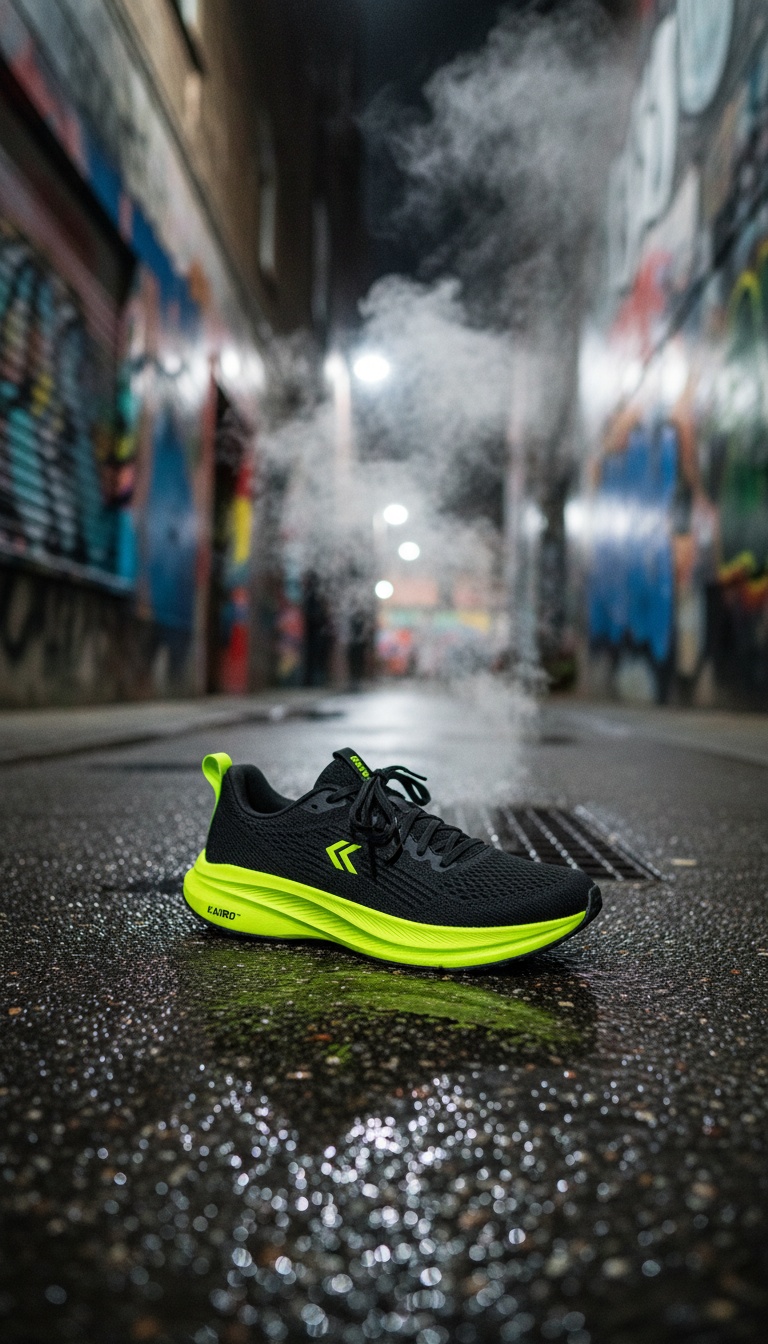
The runner pushes off and sprints down the alley toward the far end; the camera stays low and tracks the shoe as it splashes through the neon puddles, water spraying in slow motion, then holds as the runner disappears into the steam. Sound: deep bass hit on the first step, splashes, a rising synth swell.
Gemini Omni Flash 1.2 · from the image on the left
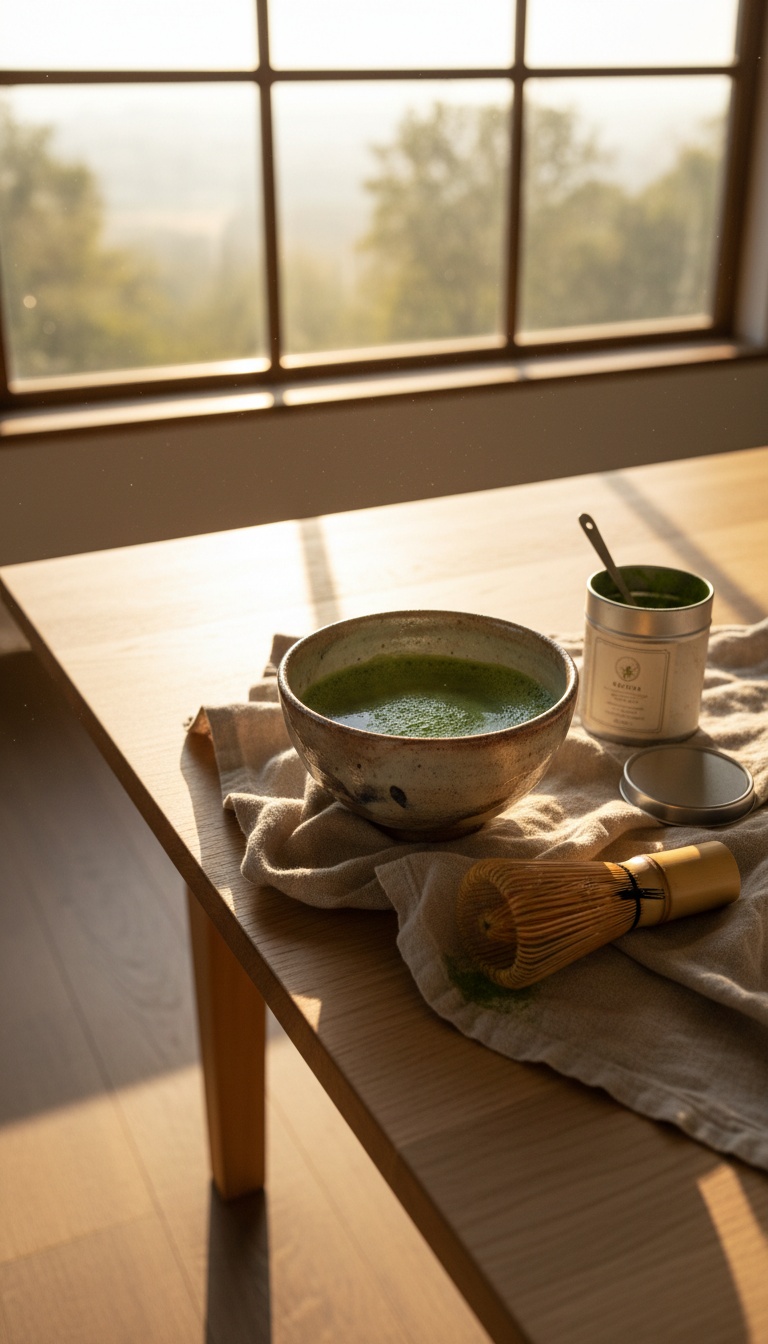
A hand picks up the bamboo whisk and whisks the matcha in quick strokes until a fine froth forms, sunlight slowly moving across the table, steam rising from the bowl; the camera stays still. Sound: whisk brushing against the ceramic, birdsong outside the window.
Gemini Omni Flash 1.2 · from the image on the left
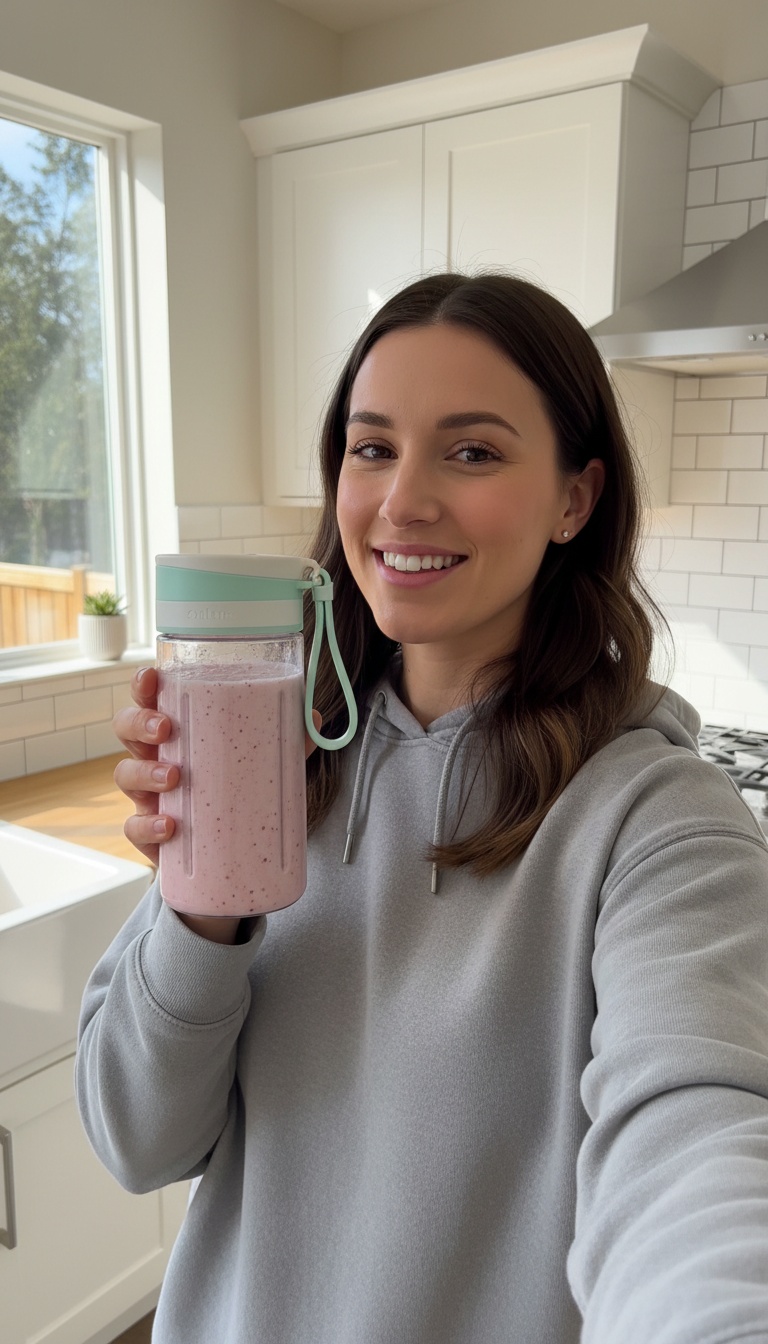
Handheld selfie video: she shakes the bottle once, then talks to the camera with real enthusiasm, saying: "Okay, this thing blends frozen berries in twenty seconds and fits in my gym bag. Obsessed." Natural kitchen sound, slight handheld shake, authentic social ad.
Gemini Omni Flash 1.2 · from the image on the left
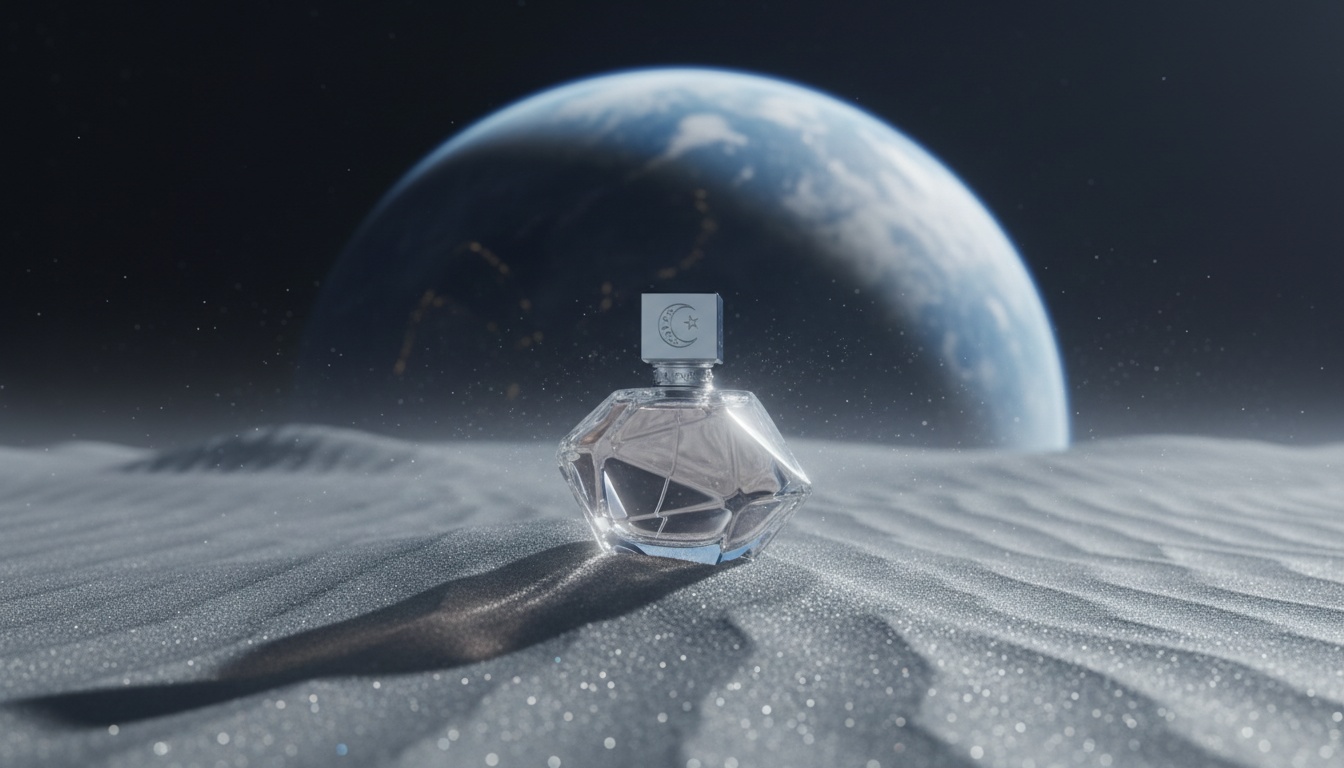
Slow cinematic push-in toward the perfume bottle as lunar dust drifts across the dunes and light from the Earth glints across its facets, quiet ambient hum.
Gemini Omni Flash 1.2 · from the image on the left
More examples, each with its exact prompt
How it works
- Attach the image in your chat (it uploads privately and is deleted after use).
- Say how it should move and how long: “slow push-in, 5 seconds, vertical”.
- Approve the price, then watch the clip.
- Ask for another take or a higher resolution of the one you like.
Try these prompts
PromptAnimate this photo [attach]: steam rises from the cup, slow push-in, 5 seconds, 9:16.
PromptMake my product spin slowly on this background [attach], keep the label exactly the same.
Models and prices
| Model | Typical job | Credits | Per $10 pack |
|---|---|---|---|
| Gemini Omni Flash (default) | a 5-second clip at 720p | 85 | 11 |
| MiniMax H3 Max Fast | a 5-second clip at 768p | 40 | 25 |
| Seedance 2.0 Mini | a 5-second clip at 480p | 75 | 13 |
| Hailuo 2.3 Fast | one 6s clip | 66 | 15 |
| Kling 4.0 Omni | a 5-second clip at 720p | 157 | 6 |
$10 = 1,000 credits. Your assistant shows the price before anything runs, and failed jobs are refunded automatically.
When to use it
- Product shots and ads where the product must stay recognisable.
- Bringing a generated image to life: make the image first, then animate it in the same chat.
- Big changes to the scene are better as a new image first, then animate that.
Frequently asked questions
Is image to video AI free?
New Typeshoot accounts get 100 free credits after confirming their email, enough for three 5-second drafts at 360p (30 credits each). After that you pay per clip; there is no subscription.
Is it unlimited?
No. Every clip costs credits, priced per second by model and resolution, and your assistant shows the price before it runs. Drafting at 360p keeps tests cheap.
Can I animate an old photo or a portrait?
Yes. Attach the photo and describe the movement, like a slow push-in, a smile or hair moving in the wind. Only animate people who agreed to it.
Which model is best for photo to video?
Gemini Omni Flash is the default all-rounder; MiniMax H3 Max Fast is the cheapest; Kling 4.0 Omni and Seedance 2.5 are the premium options. See our six-model benchmark for the same photo on each.
Keep going
Try it in your own chat
Typeshoot adds image, video, voice and editing tools to Claude, ChatGPT and other assistants. 100 free credits to start, no card needed.
Get 100 free credits