Give Typeshoot a clip and a photo of the person who should appear in it. Recast mode replaces the person in place: the kitchen, the camera move, the gestures and the sound stay as they were.
In the example below, both people are AI-generated: the clip comes from our examples library and the face is the reference portrait from our consistent-character kit. For your own swaps you confirm that every face is yours or used with permission, and no one is a minor or a public figure.
Made with Typeshoot
Replace the woman with the woman from the photo: same silver bob, round tortoiseshell glasses and mustard cardigan. Keep the kitchen, the blender, the movement and the sound. (mode: recast, 768p, 6 s; both people are AI-generated)
H3 Max Recast · 363 credits
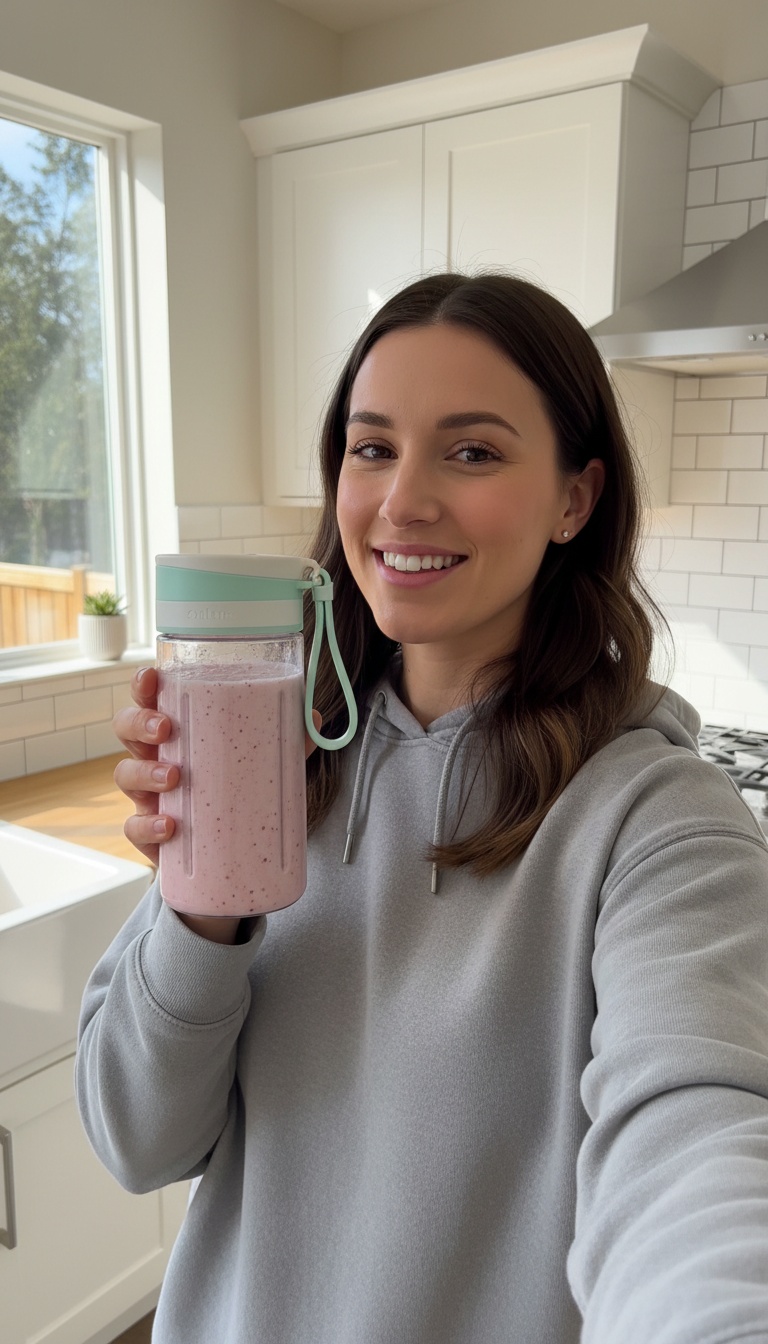
Handheld selfie video: she shakes the bottle once, then talks to the camera with real enthusiasm, saying: "Okay, this thing blends frozen berries in twenty seconds and fits in my gym bag. Obsessed." Natural kitchen sound, slight handheld shake, authentic social ad.
Gemini Omni Flash 1.2 · from the image on the left
More examples, each with its exact prompt
How it works
- Paste a video link or attach a clip, 5 to 30 seconds, no single shot longer than 15 seconds.
- Attach one clear, front-facing photo per person to swap in.
- Confirm consent, then check the price your assistant shows.
- Get the swapped clip back with a visible AI label, then caption or reframe it if you like.
Try these prompts
PromptHere’s a TikTok link. Put me in it instead of the dancer, first 6 seconds, 768p. Show me the price first.
PromptSwap the character from this portrait into my product clip, keep everything else the same.
Models and prices
| Model | Typical job | Credits | Per $10 pack |
|---|---|---|---|
| H3 Max Recast | a 5-second clip at 1080p | 450 | 2 |
| Kling 3.0 Motion Control Pro | a 5-second clip | 170 | 5 |
$10 = 1,000 credits. Your assistant shows the price before anything runs, and failed jobs are refunded automatically.
When to use it
- Trend videos with yourself in them, and product clips with a recurring brand character.
- Testing the same ad with different presenters you have permission to use.
- Never use someone’s face without their consent, and never for content meant to deceive.
Frequently asked questions
How long can the video be?
Recast swaps work on 5 to 30 seconds, with no single shot longer than 15 seconds. You can pick a part of a longer video.
How much does a face swap video cost?
60 credits per second at 768p or 90 at 1080p, so a 6-second swap at 768p is about 363 credits. Your assistant shows the price first.
Is it free?
New accounts get 100 free credits, which is not enough for a full swap; a swap is a paid feature. There is no subscription.
Can I swap anyone’s face?
No. Only your own face or someone who agreed, never a minor or a public figure, and nothing meant to deceive. Every result is labelled as AI.
Keep going
Try it in your own chat
Typeshoot adds image, video, voice and editing tools to Claude, ChatGPT and other assistants. 100 free credits to start, no card needed.
Get 100 free credits