Claude can already write the script, the shot list and the voiceover. With Typeshoot it can produce the clips too: it sends each shot to a video model, waits for it and plays it in the chat.
Then it can finish the edit: trim, reframe 16:9 to 9:16, join clips, lay music under them and add word-by-word captions.
Made with Typeshoot
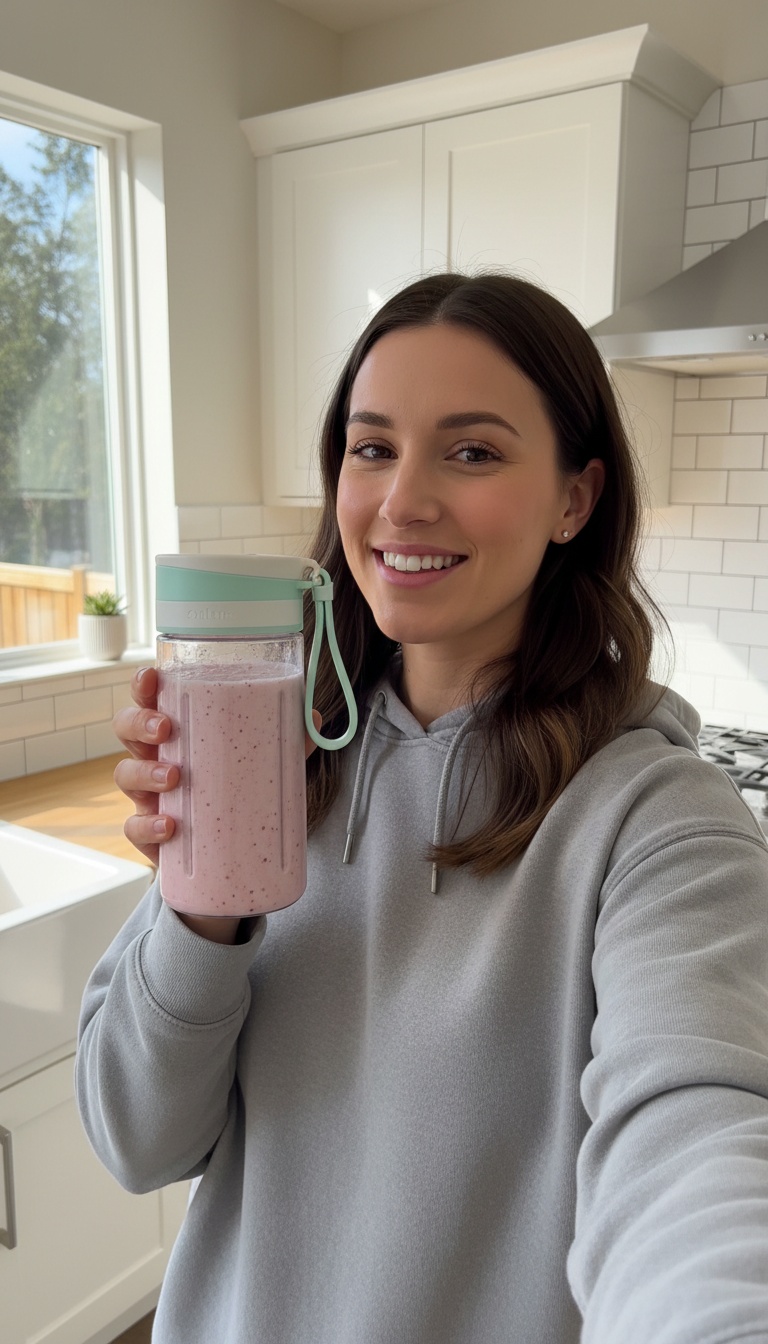
Handheld selfie video: she shakes the bottle once, then talks to the camera with real enthusiasm, saying: "Okay, this thing blends frozen berries in twenty seconds and fits in my gym bag. Obsessed." Natural kitchen sound, slight handheld shake, authentic social ad.
Gemini Omni Flash 1.2 · from the image on the left

Slow cinematic push-in toward the perfume bottle as lunar dust drifts across the dunes and light from the Earth glints across its facets, quiet ambient hum.
Gemini Omni Flash 1.2 · from the image on the left
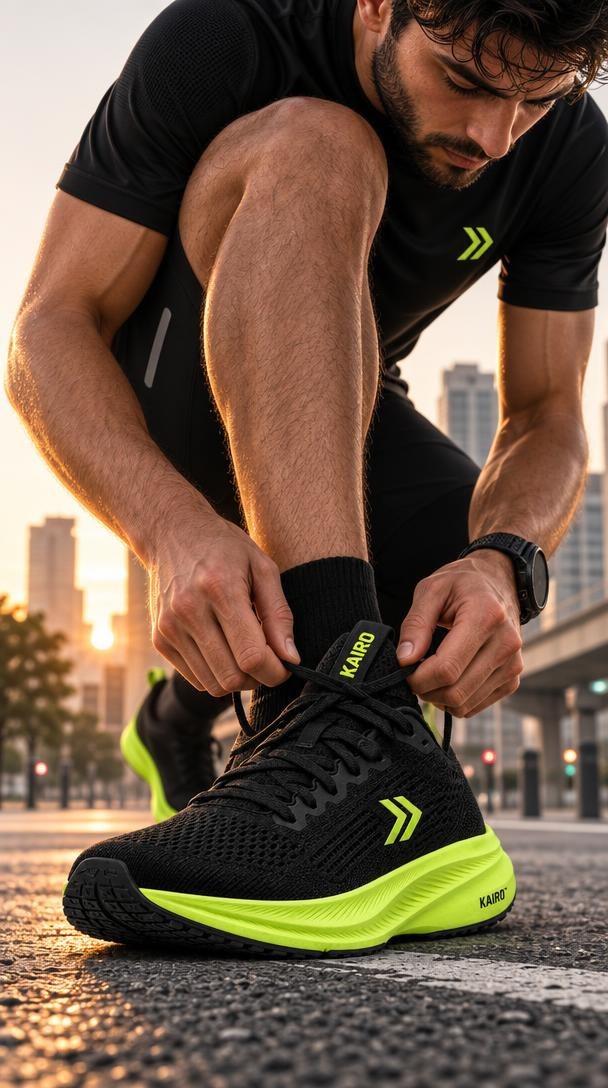
The runner finishes tying the laces, stands up and starts running away down the street, camera low and following, handheld TikTok energy, sound of footsteps and city ambience.
Gemini Omni Flash 1.2 · from the image on the left

The terminal bustles around her, people walking past in blur; she touches the ear cup, closes her eyes and smiles as the camera slowly pushes in. Sound: loud airport chatter and an announcement that cut to near silence at the touch, then a soft piano note.
Gemini Omni Flash 1.2 · from the image on the left
More examples, each with its exact prompt
How it works
- Add Typeshoot as a custom connector in Claude.
- Describe the clip or attach a start image.
- Approve the model and price Claude suggests.
- Ask Claude to edit the result: trim, reframe, captions, music.
Try these prompts
PromptWrite a 3-shot, 15-second vertical ad for a portable blender, then make each shot as a draft clip and show me the total credits first.
PromptTake this clip, cut it to the first 6 seconds, reframe it to 9:16 and add word-by-word captions.
Models and prices
| Model | Typical job | Credits | Per $10 pack |
|---|---|---|---|
| Gemini Omni Flash (default) | a 5-second clip at 720p | 85 | 11 |
| MiniMax H3 Max Fast | a 5-second clip at 768p | 40 | 25 |
| Kling 4.0 Omni | a 5-second clip at 720p | 157 | 6 |
| Seedance 2.5 | a 5-second clip at 720p (estimate) | 473 | 2 |
$10 = 1,000 credits. Your assistant shows the price before anything runs, and failed jobs are refunded automatically.
When to use it
- Short ads, product clips and social posts planned and made in one conversation.
- Teams already using Claude who don’t want another video app.
- Long-form films with dozens of shots still take planning; draft cheaply first.
Keep going
Try it in your own chat
Typeshoot adds image, video, voice and editing tools to Claude, ChatGPT and other assistants. 100 free credits to start, no card needed.
Get 100 free credits